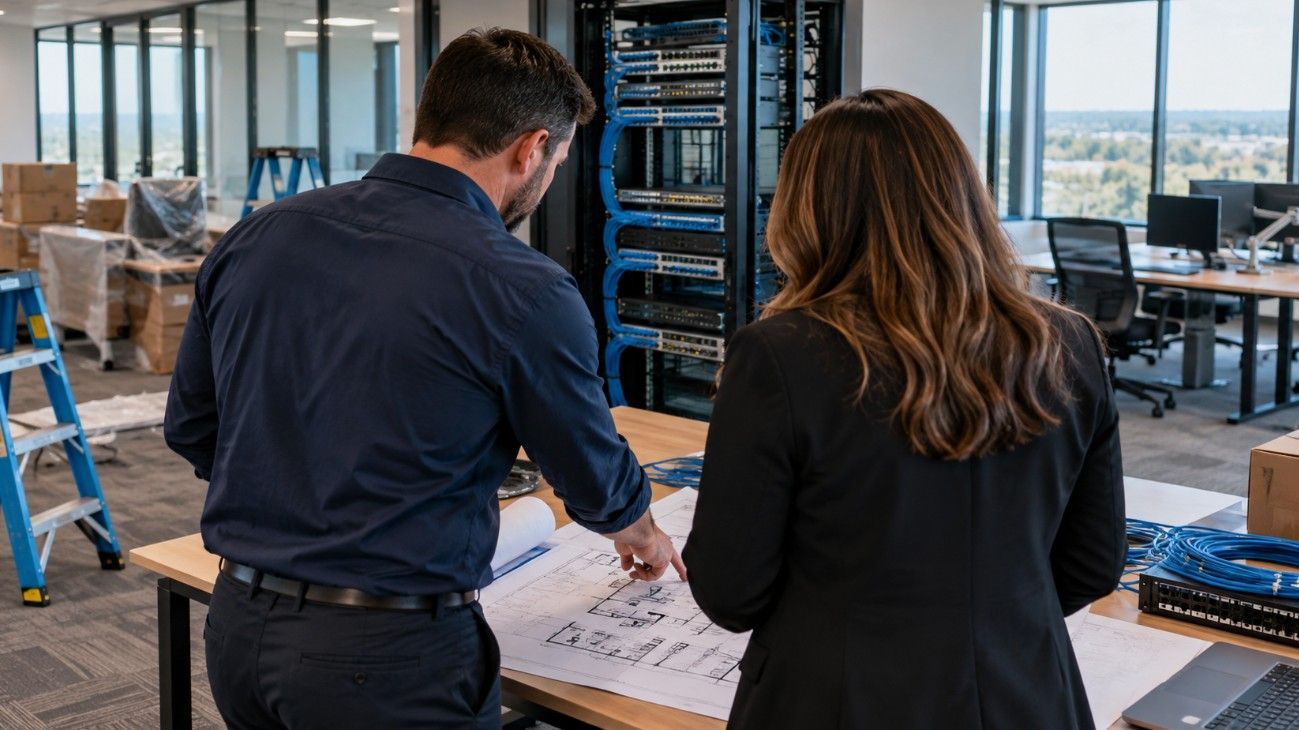

What Happens to Company Cell Phones When Employees Leave?
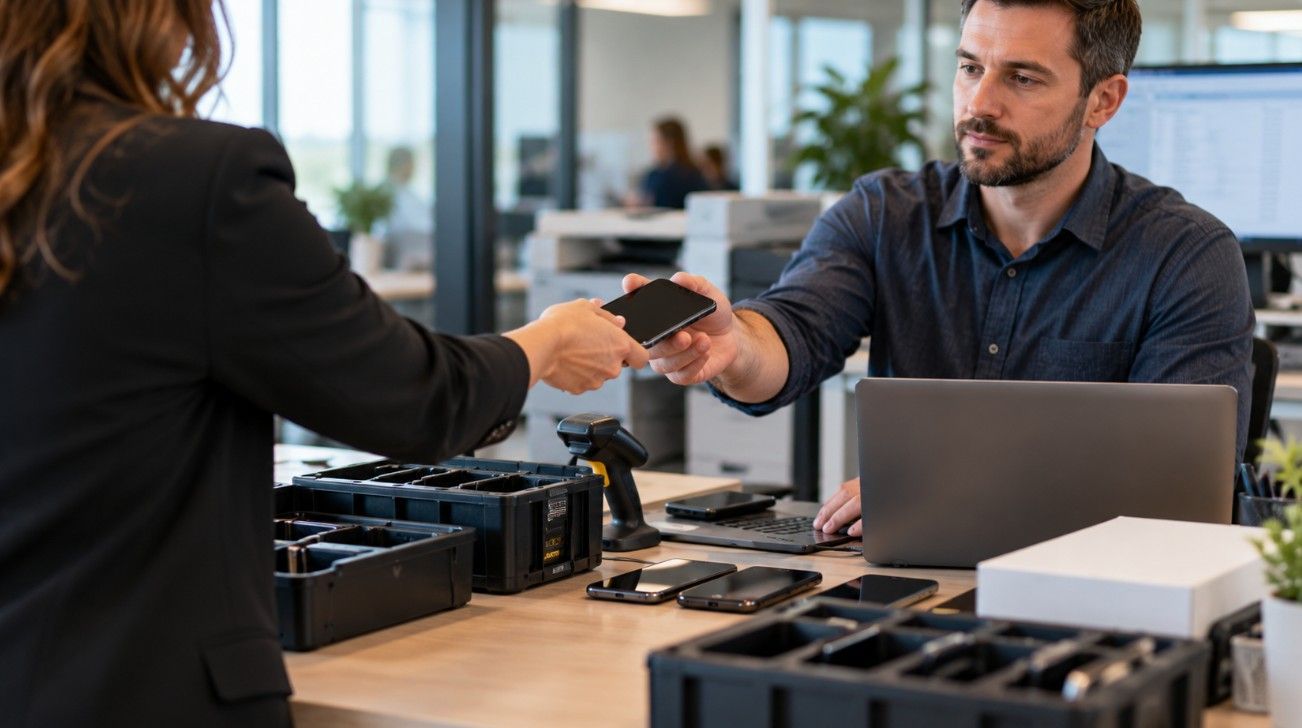
When an employee leaves a company, HR usually has a process for collecting keys, shutting down computer access, and recovering company property. But what happens to the employee's business cell phone?
For organizations with dozens or hundreds of wireless devices, this is an important question. A phone that isn't returned, a wireless line that remains active, or a device that still contains company information can create unnecessary expenses and security concerns.
Managing company phones during employee departures requires coordination between HR, IT, and whoever oversees the organization's wireless accounts.
Why Mobile Devices Are Easy to Overlook
Unlike a laptop that employees use at a desk, a company phone may spend most of its time away from the office.
Sales representatives, field technicians, delivery drivers, and remote employees often depend on mobile devices to perform their jobs. When those employees leave, their phones may be overlooked during the offboarding process.
A wireless account can also remain active after the employee's access to company systems has been disabled.
The result may be an unused phone number generating monthly charges, equipment that hasn't been recovered, or business information remaining on a device outside the company's control.
Start With an Accurate Inventory of Company Phones
Before a company can manage mobile device returns, it needs to know which devices belong to which employees.
A useful wireless inventory should identify:
- Employee name and department
- Assigned phone number
- Device manufacturer, model, and serial number
- Wireless carrier and account
- Device ownership and payment status
- Mobile device management enrollment
- Date the device was issued
These records help IT determine what equipment needs to be returned and which services should be transferred, suspended, or disconnected.
They also make it easier to identify devices that have been reassigned without the corresponding account information being updated.
Protect Business Information Before Reassigning a Phone
Company phones often contain more than contact information.
Employees may use them to access business email, customer records, internal messaging applications, cloud storage, and authentication systems.
Removing an employee from payroll doesn't automatically remove every form of mobile access.
IT departments should follow their organization's security procedures to revoke access, recover company information where appropriate, and prepare the device for its next user.
For company-owned devices, a managed factory reset may be appropriate after required information has been preserved.
Personally owned devices require additional care. Companies should distinguish between removing corporate applications and data and erasing an employee's personal information.
A documented mobile device policy can help avoid confusion over these responsibilities.
Decide Whether to Cancel, Transfer, or Reassign the Wireless Line
Not every employee departure should result in an immediate cancellation.
A sales representative's phone number may be familiar to customers. A service technician's number may be connected to business accounts. Some organizations also use wireless numbers for authentication or emergency communications.
Before disconnecting service, determine whether the number needs to remain with the business.
There are several possible outcomes:
- Reassign the number: Transfer the existing phone and wireless service to another employee.
- Retain the number temporarily: Keep the line active while customer contacts and business accounts are updated.
- Transfer responsibility: Complete a carrier-approved transfer when the employee is permitted to retain the number.
- Disconnect the line: Cancel service when the number is no longer required, after checking contractual and equipment obligations.
The correct choice depends on the employee's role, company policy, and the carrier agreement.
Check for Remaining Equipment Payments and Carrier Charges
Disconnecting a wireless line doesn't always mean the company has finished paying for the device.
Some carrier agreements include installment balances, promotional credits, or other terms that may change when service is canceled.
Before requesting disconnection, review the account to determine whether any remaining equipment charges will become due.
Companies should also confirm that completed cancellation requests appear correctly on subsequent invoices.
A service ticket marked complete doesn't necessarily prove that billing has stopped.
Vatic Outsourcing discusses related wireless account issues in its article The Invisible Leak: Why Your Mobile Fleet Is Bleeding Cash, including how unused mobile lines can contribute to unnecessary spending.
Make Mobile Offboarding a Shared Responsibility
Employee offboarding often involves several departments, but the handoffs between them can be inconsistent.
HR knows when the employee is leaving. IT manages access to company systems. Finance reviews expenses. A telecom administrator or outside management team may handle carrier accounts.
A reliable process assigns responsibility for each action and records when it has been completed.
For example, HR can notify IT of the departure date, IT can confirm the device's return and security status, and the telecom administrator can determine what should happen to the wireless service.
This approach is particularly helpful for businesses with employees spread across multiple offices or states.
Review Wireless Accounts After Every Offboarding Cycle
Even with a formal process, account discrepancies can occur.
A monthly review of wireless lines against the current employee roster can reveal numbers that remain active without an assigned user.
Businesses should investigate those accounts before canceling them, since some lines support shared devices, backup equipment, or other operational needs.
Companies can also review the Telecom Security Audit Checklist: Protect Your Network and Spend for additional considerations involving mobile accounts and telecommunications security.
Keep Employee Departures From Becoming an Ongoing Expense
Recovering a phone is only one part of employee mobile device offboarding.
Businesses also need to protect information, preserve important phone numbers, review carrier obligations, and verify that account changes have been completed.
Vatic Outsourcing helps organizations manage wireless services, mobile devices, carrier requests, and telecom expenses. Its managed mobility and telecom consulting services can support businesses that need a more consistent process across departments and locations.
Learn more about Vatic Outsourcing's Telecom Consulting Services and how the company helps businesses manage their wireless accounts and communications infrastructure.

About the Author: Shawn Purcell
CIO/CMO/CPO
As a founding partner, and member of the executive team at Vatic Outsourcing, Shawn Purcell initiated and continues to manage strategic relationships in telecom expense management (TEM) and mobile device management (MDM). He heads up the day-to-day management of Vatic Outsourcing’s business objectives, including technical infrastructure and strategic training of sales and support staff. Shawn also oversees Vatic’s enhanced services group, which delivers TEM and MDM services to clients and the Help Desk team. In addition to his executive-oversight responsibilities, Shawn continues to spend half of his time in a customer-facing role.
Recent Posts